
The Short Version
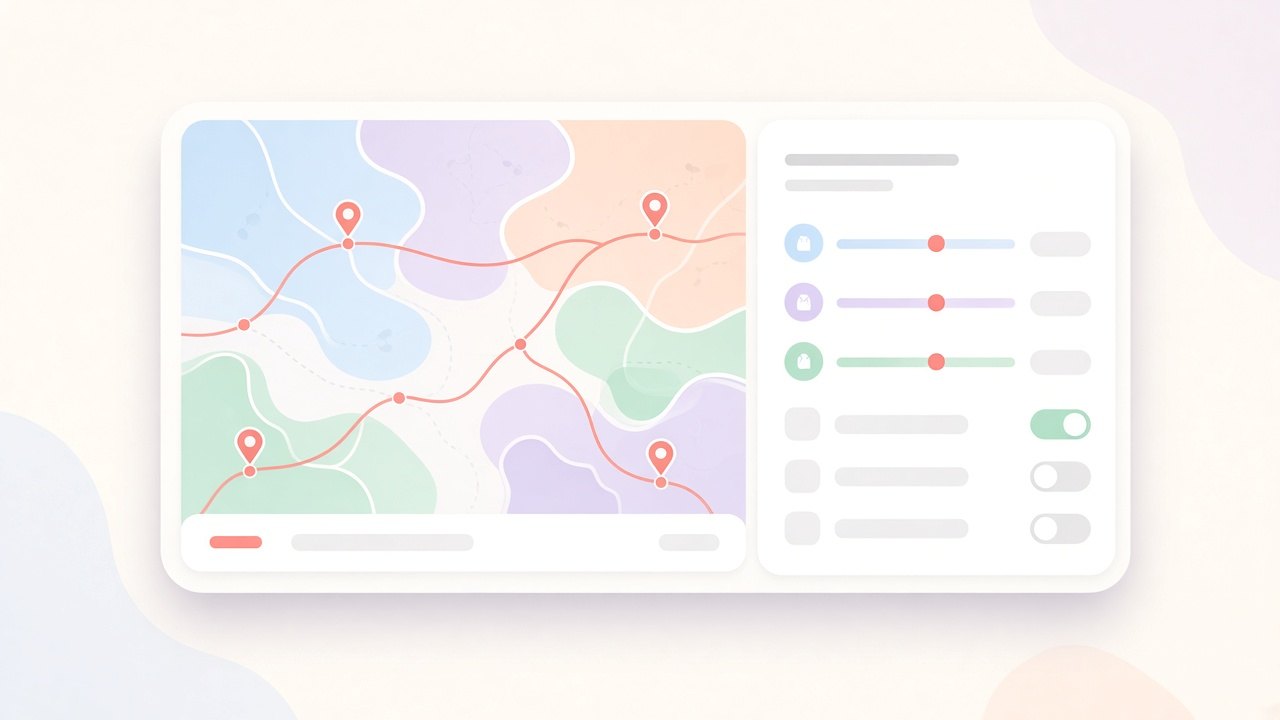
Dispatch Pro is ServiceTitan’s automated dispatching product. It looks at the whole board and decides which technician should go where, balancing revenue, drive time, and priorities. It’s powerful, and it was hard to start using. Every new customer went through a manual onboarding call of one to four hours, where a specialist translated the business into algorithm settings on their behalf. When something later looked wrong, a support case took about two hours to untangle.
Those two costs were the biggest thing standing between Dispatch Pro and a lot more customers. As the lead designer, I had 4–5 months, on a project originally scoped for a year, to make setup something customers could do themselves.
Outcome in the beta: most customers finished setup without booking a call, typical setup time dropped from a multi-hour session to under an hour, and settings-related support questions fell noticeably.
Meet the People Doing Setup
The person configuring Dispatch Pro is rarely a “settings person.” At a typical customer it’s the owner of a 20-technician HVAC or plumbing business, or their most senior dispatcher. They know their business intimately: which jobs make money, which technicians hate long drives, which customers can’t be moved. What they don’t know is what a “drive cost weight” is, or why changing one number could quietly reshuffle tomorrow’s board.
During onboarding calls, I watched the same moment happen again and again. The specialist would read out a setting, the customer would pause, and then ask, “What do most people put?” They weren’t lacking opinions. They were lacking a way to connect their opinions to the controls in front of them.
What Research Told Us
I started by sitting in on onboarding calls with our implementation team and reviewing a few months of settings-related support tickets with Customer Success. I followed up with interviews with owners, dispatchers, and onboarding specialists. A few insights shaped everything that followed:
- The call was mostly translation, not setup. Most of the time went into explaining what each setting meant and what value to choose. Actually entering the values took minutes.
- Customers trusted defaults more than explanations. A recommended value with a short reason did more than a paragraph of help text.
- Fear of “going live” slowed everything down. People hesitated to change anything because they weren’t sure whether it would immediately affect real jobs.
- Support cases were often setup cases in disguise. Many “the algorithm did something weird” tickets traced back to a setting nobody fully understood when they chose it.
One dispatcher at a mid-size HVAC company put it simply: “I know what I want the board to look like. I just don’t know which buttons get me there.”
The Reframe
The original brief was to build a settings page for the algorithm. The research pointed somewhere else: customers didn’t need more control, they needed better questions. So instead of exposing the algorithm’s parameters, we asked about the business, and let the answers map to the parameters behind the scenes.
“Revenue weight” became “What’s more important: revenue or drive time?” A maximum-distance parameter became “What’s the longest drive you’d send a technician on between appointments?” The math stayed exactly the same. The experience didn’t.
Design Principles
- Ask about the business, not the algorithm. Every setting is a question an owner could answer without training.
- Start from a good answer. Every question comes pre-filled with a recommended default, so doing nothing is still a good setup.
- Nothing goes live by accident. Customers can explore freely, and Dispatch Pro only starts running when they press “Turn On Dispatch Pro.”
- Show consequences, not just controls. Wherever possible, make it clear how an answer will change the board.
Explorations and Tradeoffs
A linear wizard. My first concept was a step-by-step wizard that walked customers through every question in order. It tested well for first-time setup, but fell apart when someone came back three weeks later to change one thing. They had to click through screens they didn’t care about to find it. We kept the guided feel but moved to four clear sections (Routing, Locking Jobs, Prioritization, and Technician Settings) that could be opened in any order.
Numeric inputs vs. sliders. Early versions used number fields because they were precise. In testing, people typed values they’d heard on a call without knowing why. Sliders with sensible ranges and a highlighted recommendation made the tradeoff visible: dragging toward “revenue” visibly meant moving away from “drive time.”
A live preview of tomorrow’s board. We explored showing a simulated board that updated as settings changed. It was the most exciting idea and the most expensive one, and early prototypes suggested it could mislead people with simulated results that didn’t match real days. We cut it from this release and focused on clear explanations and safe defaults instead.
Instant save vs. explicit save. For simple questions, changes save as you go. For drag-and-drop prioritization, where people like to experiment, nothing applies until they press Save, and they’re warned before leaving with unsaved changes.
The Solution, Through the Customer’s Eyes
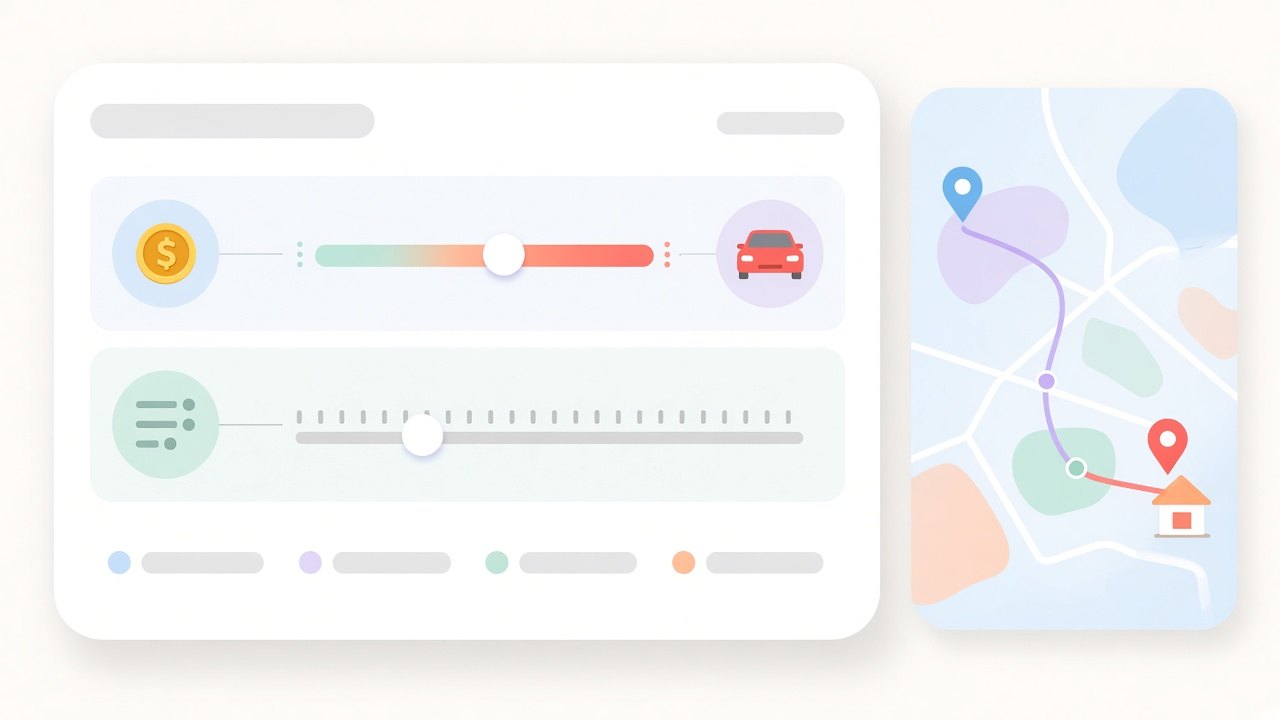
“How should we route our technicians?”
An owner opens Dispatch Pro settings and lands on Routing, the questions that matter most. The first one asks how much they care about revenue compared to drive time. The slider starts at the recommended 75/25 split, so they can leave it or nudge it toward shorter drives. Next comes the longest acceptable drive between appointments, defaulting to 60 minutes, with the option to set different limits for specific zones. A final question asks how much it matters to get technicians close to home at the end of the day. For many owners this one is about retention, not efficiency.
“Don’t move my jobs at the last minute.”
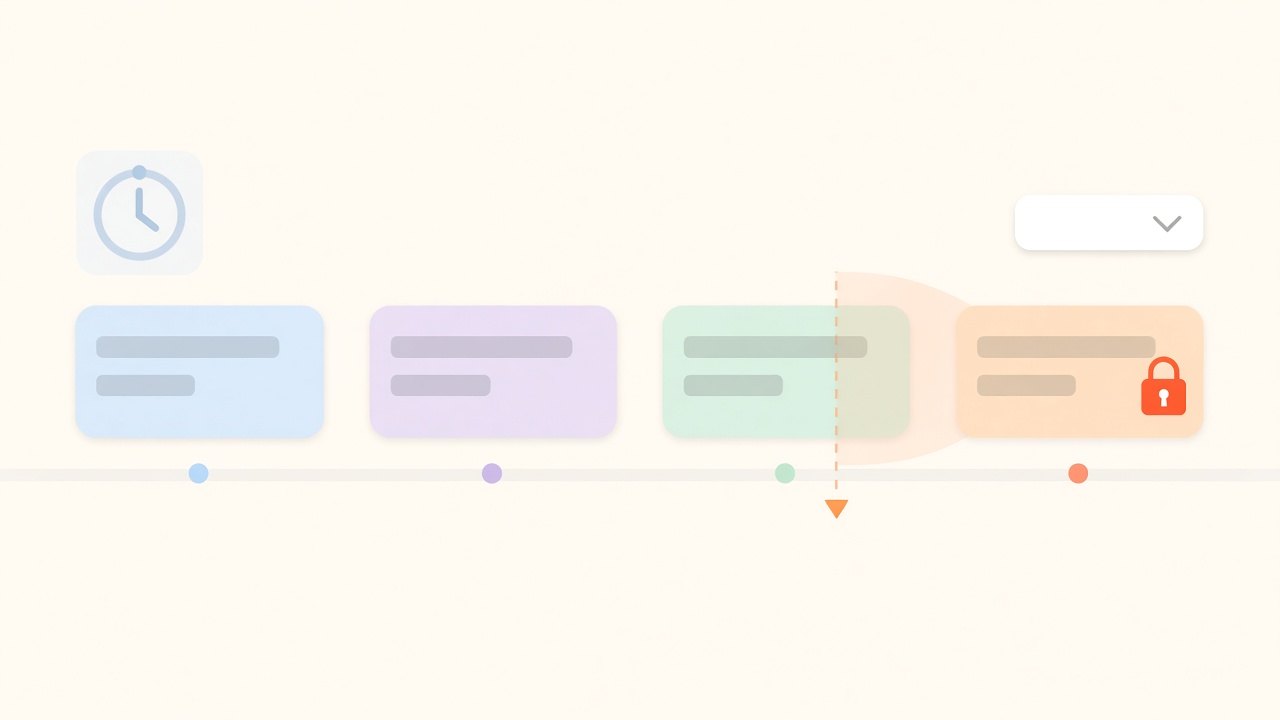
Dispatchers told us their biggest fear of automation was a job jumping around just as a technician was about to leave. The Locking Jobs section answers that directly: they can keep Dispatch Pro from scheduling too close to the end of an arrival window, and lock jobs in place a set time before dispatch. Both start at zero, matching how the product already worked, so nothing changes unless they choose it.
“Some jobs simply matter more.”
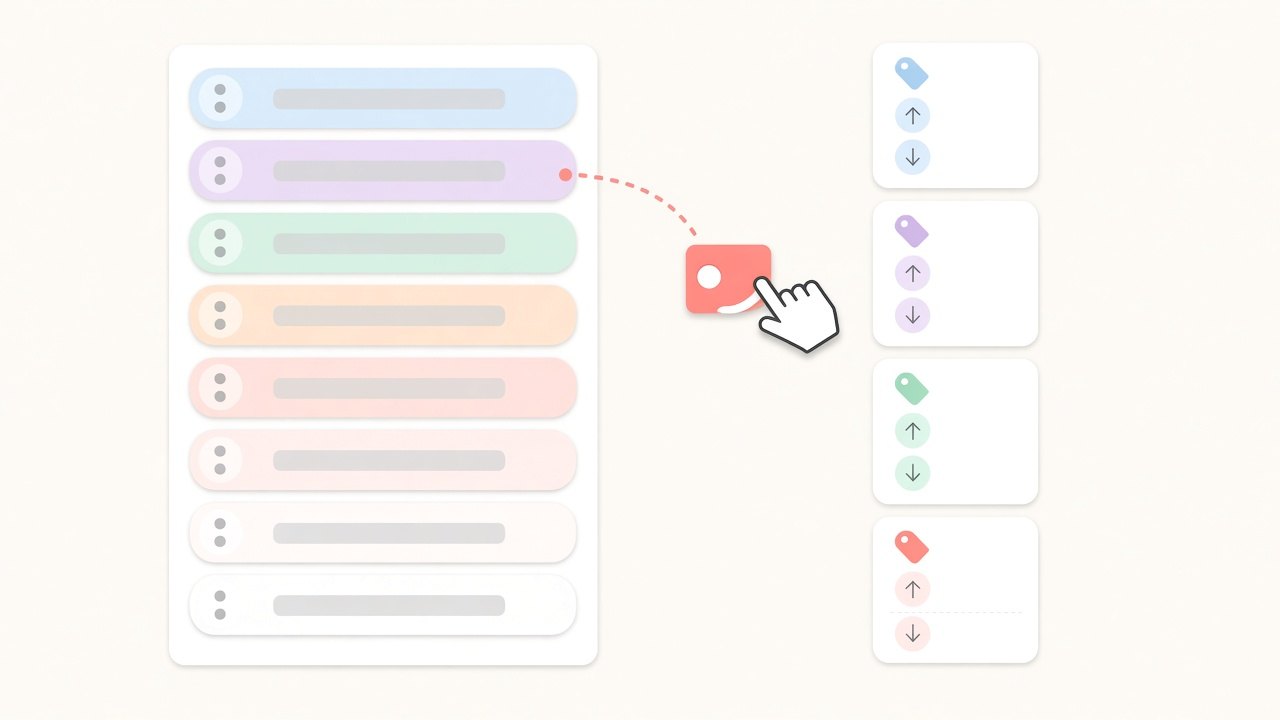
Every business has jobs that can’t wait, like a no-heat call in January or a high-value install. Instead of a priority score, customers drag job types into eight priority levels, with anything unranked treated as the lowest. Tags handle the exceptions: a job tagged as urgent can jump straight to the top, or move up or down a level, with simple rules for when tags conflict. Because this is the area people most like to play with, changes only apply when they press Save.
“Not every technician works the same way.”
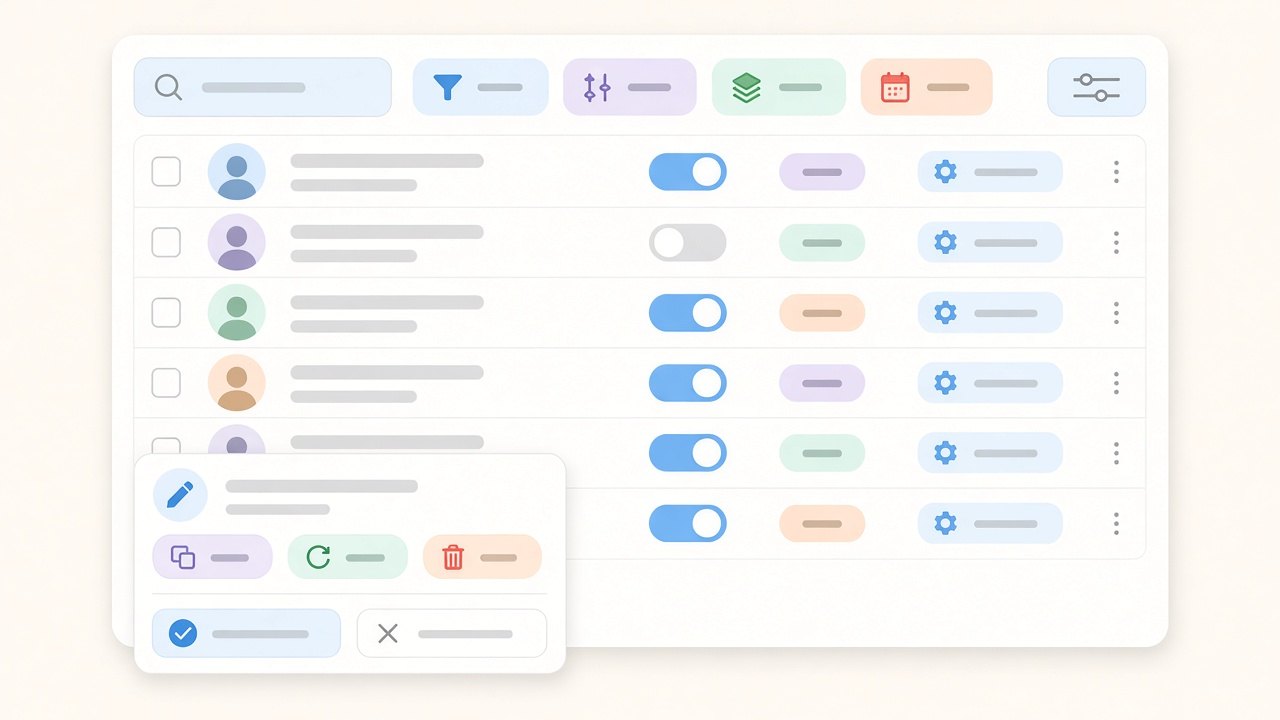
The last section brings it down to people. A searchable, filterable table of technicians shows who Dispatch Pro manages and lets dispatchers override drive limits, routing, or end-of-day preferences for individuals, one at a time or in bulk. If they go too far, Restore Defaults brings anyone back to the company-wide settings.
The moment of commitment
At the top of every page, setup highlights summarize the key choices and link straight back to the relevant question. If a pre-check spots a problem, like technicians missing a home address, a warning appears before anything goes live. When the customer is ready, they press “Turn On Dispatch Pro.” Until then, nothing they’ve done affects a single real job. Users with view-only permissions can see the overview, but only people with edit permissions can change settings.
Research & Validation
I tested the question-based flow in three rounds of moderated usability sessions with owners and dispatchers, starting with clickable prototypes and ending with a coded beta build. Each round focused on the same questions: could people answer every question confidently, did they understand what the recommended value meant, and did they know when Dispatch Pro would actually start running?
Between rounds, wording changed more than layout. Questions were rewritten until people could answer them without asking a follow-up. The overview highlights were reworked so each one pointed clearly to the question behind it. Onboarding specialists reviewed every question to make sure the plain-language version still mapped exactly to the algorithm.
Outcomes
Advanced Settings shipped as part of the Dispatch Pro self-onboarding beta. Early signals were encouraging:
- About 7 in 10 beta customers completed setup without scheduling an onboarding call.
- Typical setup time dropped from a multi-hour session with a specialist to under an hour on their own.
- Settings-related support questions from beta accounts dropped by roughly a quarter compared to customers onboarded the old way.
Just as important, customers came away understanding why Dispatch Pro made the decisions it did. That made conversations about results more productive and gave the team a clearer path to general availability.
Reflections
The biggest lesson was that translating an algorithm into plain language is a design problem, not a copywriting one. Each question had to be honest about how the system behaves while still sounding like something an owner would naturally ask themselves.
Defaults did more work than any explanation. When the recommended answer is already there and clearly marked, most people move forward confidently and only change what really matters to them.
Shipping in 4–5 months instead of a year meant saying no to good ideas, including the live preview I was most excited about. Looking back, that constraint made the product better: it forced us to focus on the settings that drove the most onboarding time. If I picked this up again, I’d start with the preview, now that we have real beta data to make it trustworthy.